Introduction
In today’s time everyone has access to Artificial Intelligence (AI) technology
which was previously restricted to experts and major technology firms. In 2026,
everyone will have free access to sophisticated AI tools which they can use by
students, content creators, freelancers or small business owners.
The process of selecting appropriate tools becomes difficult for newcomers who
have just begun their journey. The top 10 free AI tools for beginners which you can easily
operate will bring you maximum benefits according to this beginner-friendly
guide we developed.
Why Use AI Tools in 2026?
AI tools can help you:
- Save time on repetitive tasks
- Create content faster
- Improve productivity
- Learn new skills easily
- Automate your work
Best part? Many powerful tools are still completely free.
Top 10 Free AI Tools for Beginners
1. ChatGPT – Best for Writing, Ideas & Learning
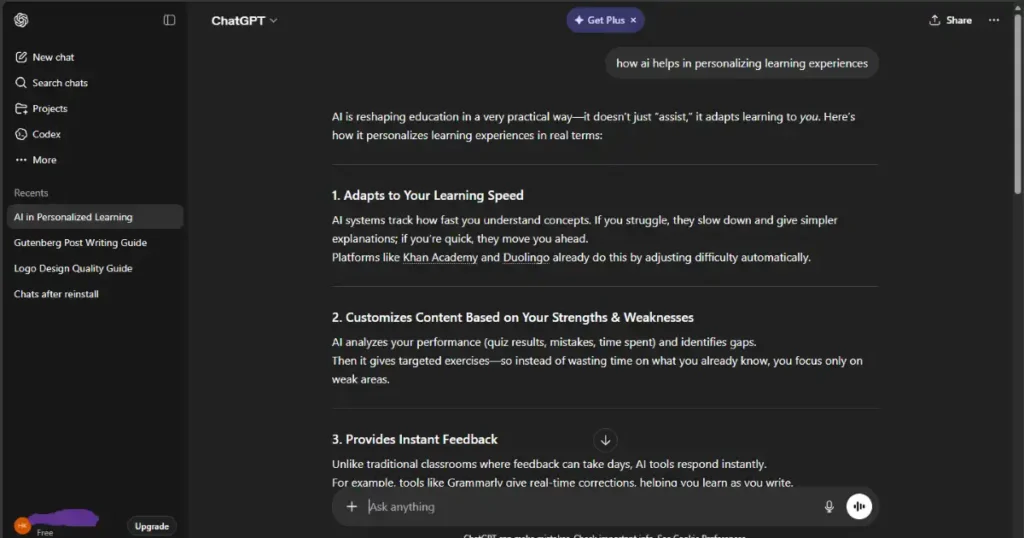
ChatGPT is one of the most powerful and beginner-friendly AI tools available
today. It can help you write articles, generate ideas, solve problems, and even
assist with coding.
What You can do:
- Write blog posts, emails, and scripts
- Generate business ideas
- Learn new topics instantly
- Get coding help
Why Beginners Love It:
Simple chat interface—just type your question and get answers.
2. Canva AI – Best for Graphic Design
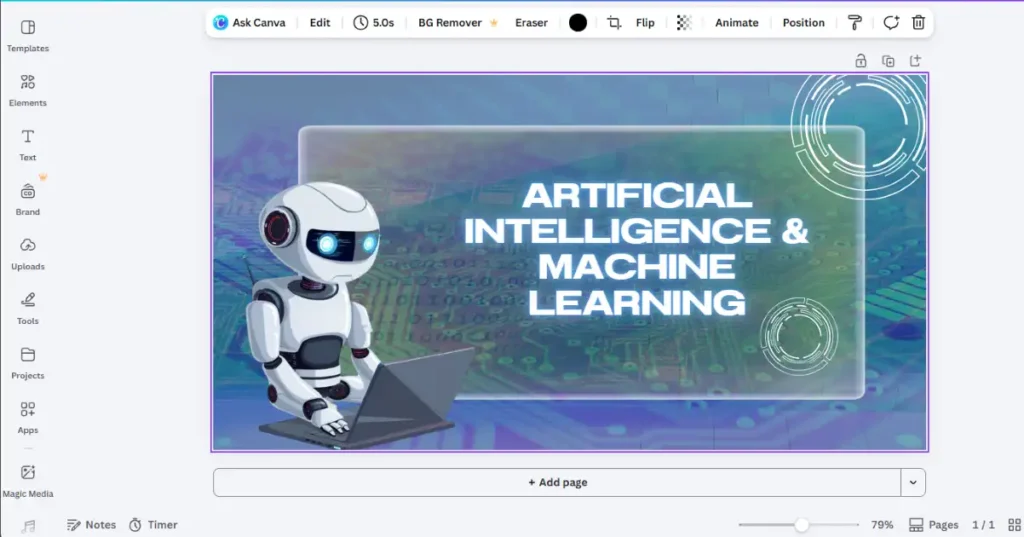
Canva has made design incredibly easy with its AI-powered features. Even if
you have zero design experience, you can create professional graphics
Features
- Magic Write (AI content generator)
- AI image generator
- Ready-made templates
- Drag-and-drop editor
Use Cases
- Social media posts
- YouTube thumbnails
- Blog featured images
3. Grammarly – Best for Writing Correction
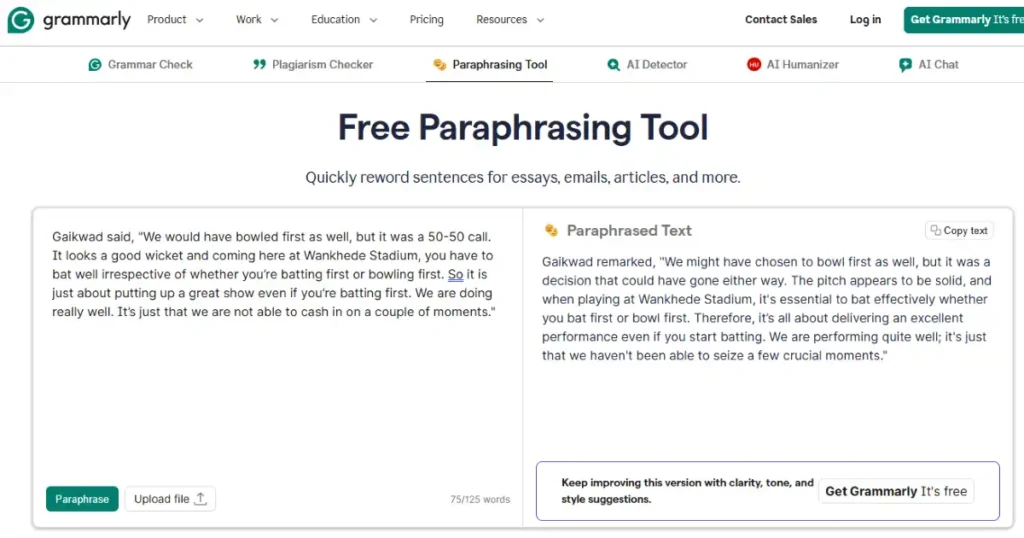
Grammarly functions as an essential writing improvement tool through its AI
capabilities. The program provides users with real-time checks for grammatical
errors and incorrect spelling and tone assessment and clarity evaluation features.
The program offers these features to users through its following specialized
functions:
- Grammar correction
- Tone detection
- Clarity suggestions
- Browser integration
👉 Perfect for students, bloggers, and professionals
4. Copy.ai – Best for Marketing Content
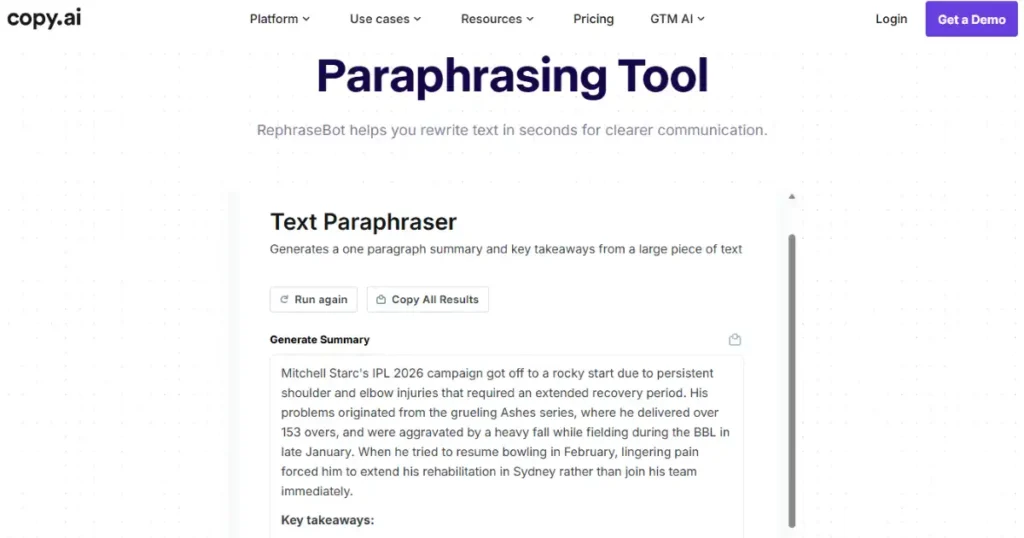
Copy.ai is designed for marketers and content creators who need quick and
engaging copy.
What It Generates
- Ad copy
- Product descriptions
- Blog ideas
- Social media captions
Beginners Advantage
Pre-built templates make it very easy to use.
5. Notion AI – Best for Productivity & Organization
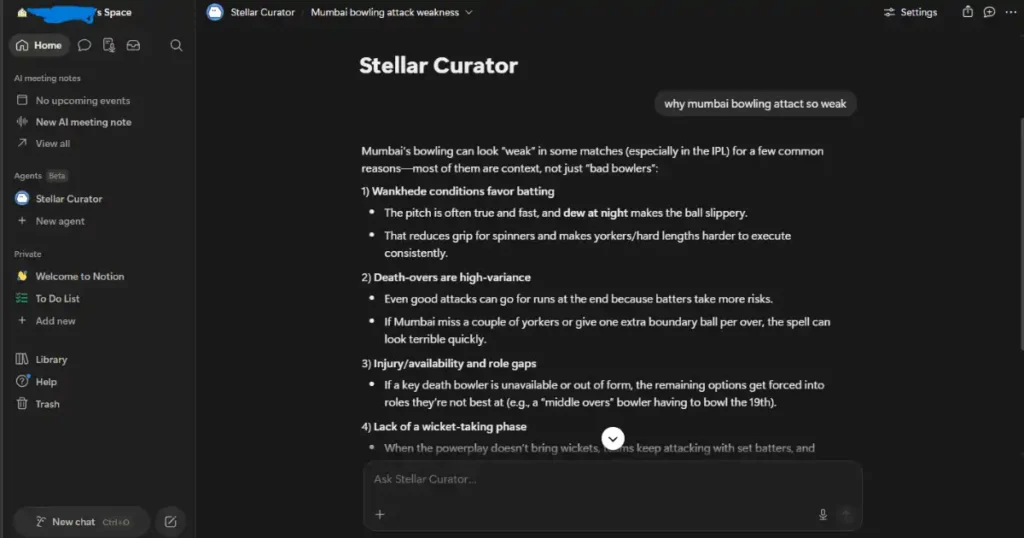
Notion AI combines note-taking and AI writing into one powerful
workspace.
Features
- AI-generated notes
- Task management
- Content writing
- Project organization
👉 Great for managing both personal and professional work.
6. Pictory AI – Best for Video Creation
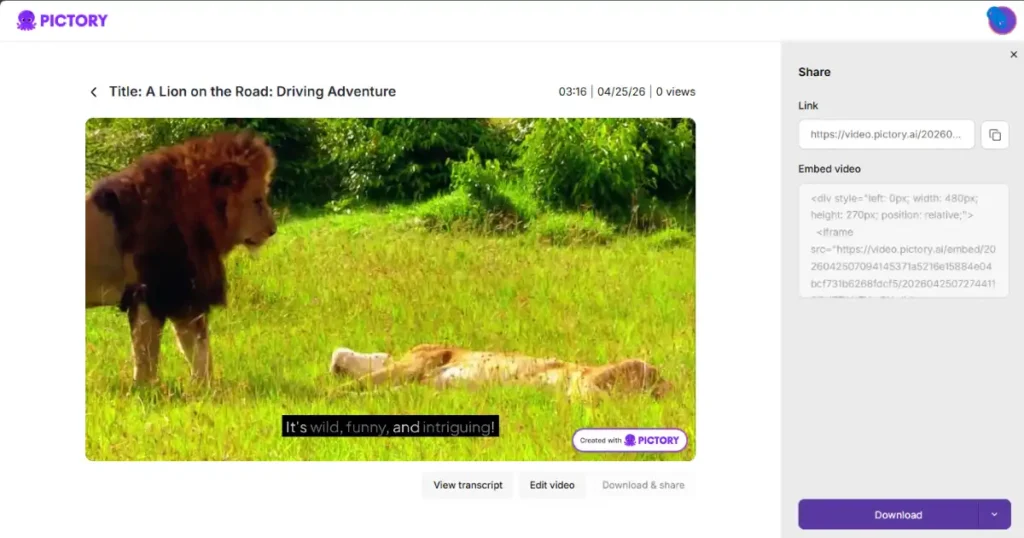
Pictory AI helps users create videos from written text content through its
automated video production system. This solution enables users to create
YouTube content who lack video editing expertise.
Features
- Text-to-video conversion
- Auto subtitles
- Video summarization
- Stock visuals
7. Remove.bg – Best for Background Removal
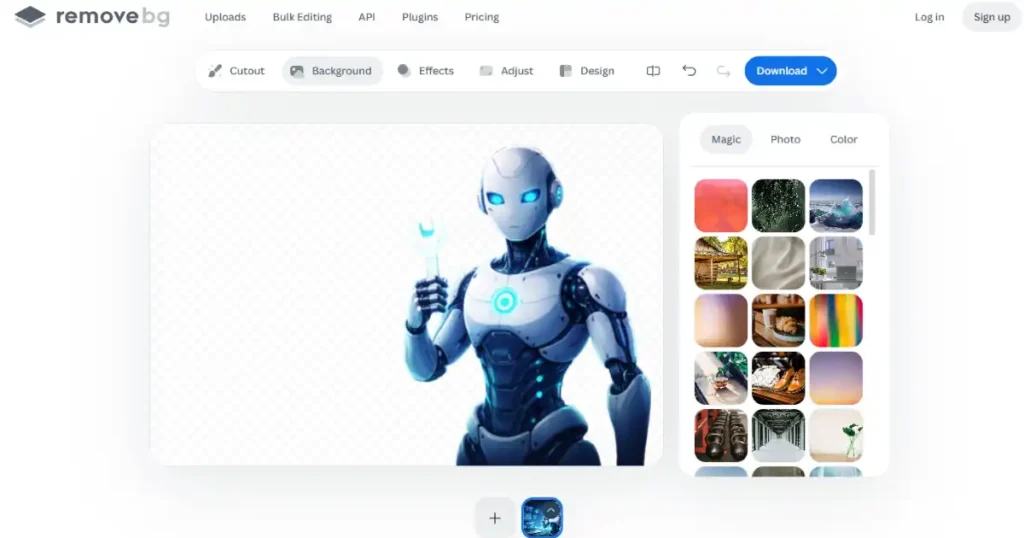
Remove.bg is a simple but powerful tool that removes image backgrounds
instantly.
Why It’s Useful
- No editing skills required
- One-click background removal
- Clean and professional output
👉 Ideal for eCommerce and social media images.
8. DALL·E – Best for AI Image Generation
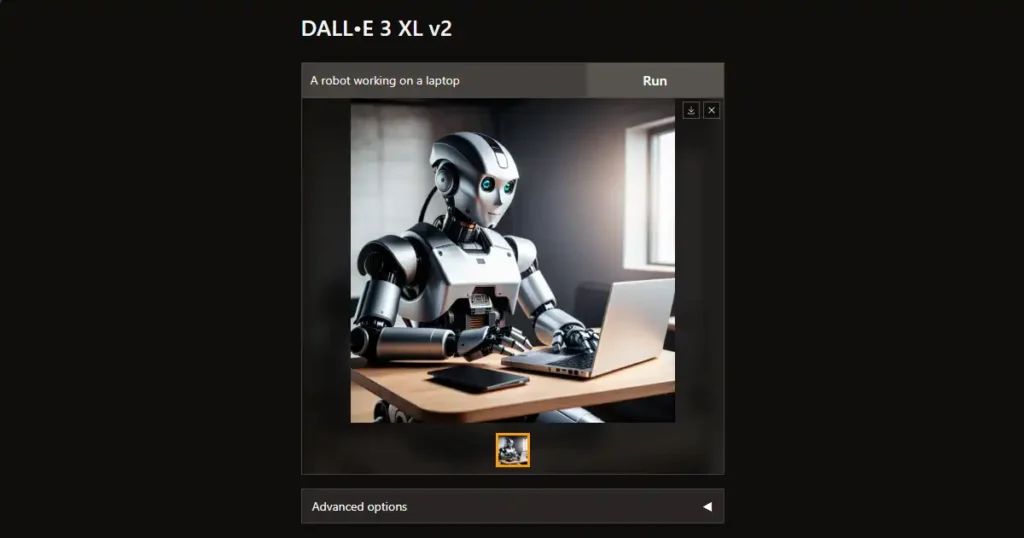
DALL·E allows you to create unique images just by typing a
description.Examples:
“A futuristic city at sunset”
“A robot working on a laptop”
Benefits
- High-quality visuals
- Unlimited creativity
- No design skills needed
9. ElevenLabs – Best for AI Voiceovers
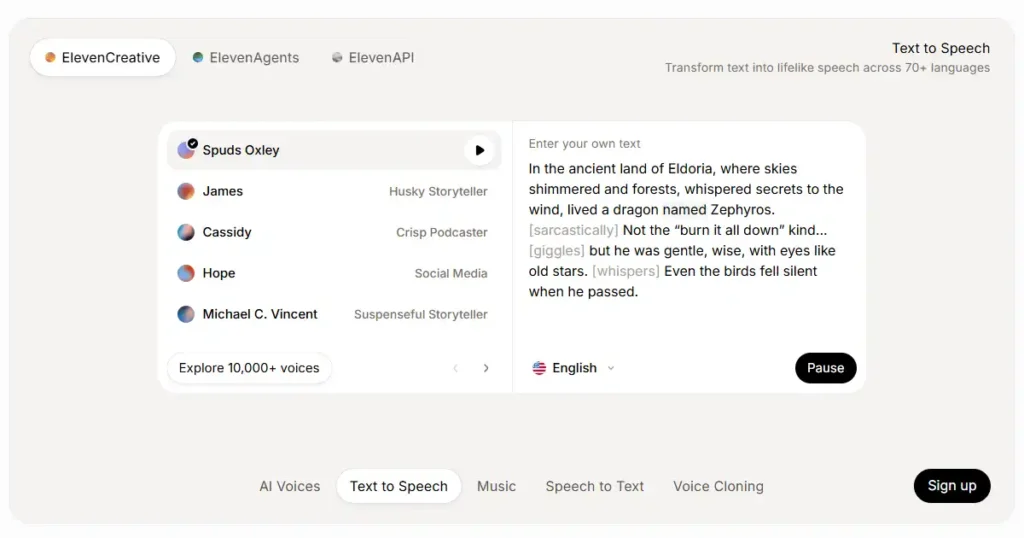
The company ElevenLabs creates artificial intelligence voices which sound
extremely lifelike. You can convert text into human-like speech.
Features
- The system produces natural voice output.
- The system supports multiple languages for its voice output.
- Users can change their voice profile according to their preferences.
👉 The product works best for creating content on YouTube platforms and
podcast shows and short video reels.
10. QuillBot – Best for Paraphrasing & Rewriting
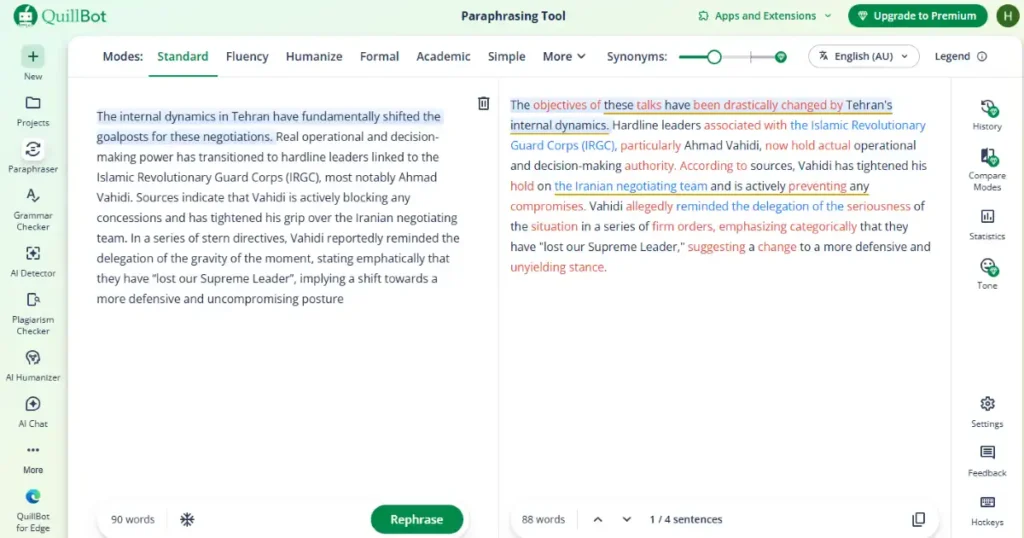
QuillBot helps you rewrite content in a better and clearer way.
Features
- Paraphrasing tool
- Grammar checker
- Summarizer
- Different writing modes
👉 Great for students and bloggers.
How to Choose the Right AI Tool (Beginner Guide)
You should start with this basic method when you have confusion.
- For writing: ChatGPT, Grammarly, QuillBot
- For design: Canva AI
- For video: Pictory AI
- For productivity: Notion AI
- For marketing: Copy.ai
👉 Begin your learning process by developing expertise in 2 to 3 tools before
you start exploring additional ones.
Best Ways to Use AI Tools Together
You should combine tools together because that will help you achieve better
outcomes.
- Use ChatGPT → Generate content
- Use Grammarly → Improve writing
- Use Canva → Design graphics
- Use Pictory → Convert to video
The workflow transforms basic concepts into complete content articles.
Limitations of Free AI Tools
Free AI tools offer strong capabilities but their users face multiple barriers
which restrict their usage. The software has several restrictions which include
the following:
- The users are restricted to a specific amount of daily tool usage.
- The system provides users with essential functions but it lacks advanced capabilities.
- Certain software programs display watermarks as part of their main functions.
- The system operates at reduced speed compared to its standard performance.
The basic features of free software programs provide sufficient resources for
newcomers to begin their work.
Future of AI Tools in 2026 and Beyond
The artificial intelligence field is advancing at a quick pace. The upcoming time
period will bring us:
- More precise artificial intelligence answers
- Enhanced automation software
- Artificial intelligence functions in everyday mobile applications
- Customized artificial intelligence personal assistants
The current study of artificial intelligence tools will create a significant
advantage for your professional development and business success.
Tips for Beginners
Maintain your everyday tasks by beginning with minor objectives.
- You should try out various software applications.
- You should conduct AI content assessment for all produced materials.
- You should continue your education to acquire new knowledge and professional growth.
People should use AI technology to assist their work instead of replacing their
functions./
Frequently Asked Questions
Q1. Are these AI tools completely free?
Ans. Yes, most tools offer free plans with limited features, which are enough for
beginners.
Q2. Which AI tool should I start with?
Ans. You Start with ChatGPT and Canva because they are simple and very
useful.
Q3. Can I earn money using AI tools?
Ans. Yes, you can use them for freelancing, blogging, YouTube, and digital
marketing.
Q4. Do I need technical skills to use AI tools?
Ans. No, most tools are designed for beginners with easy interfaces.
Conclusion
AI tools have transitioned from being optional to becoming essential
requirements for today. The tools listed above provide beginner users with free
access to powerful tools which can help them begin their journey.Every task
from writing and designing to video production and task management has an AI
tool available for its execution. The key is to start now and keep exploring.